Watching Replays in Brawl Stars: Complete Guide
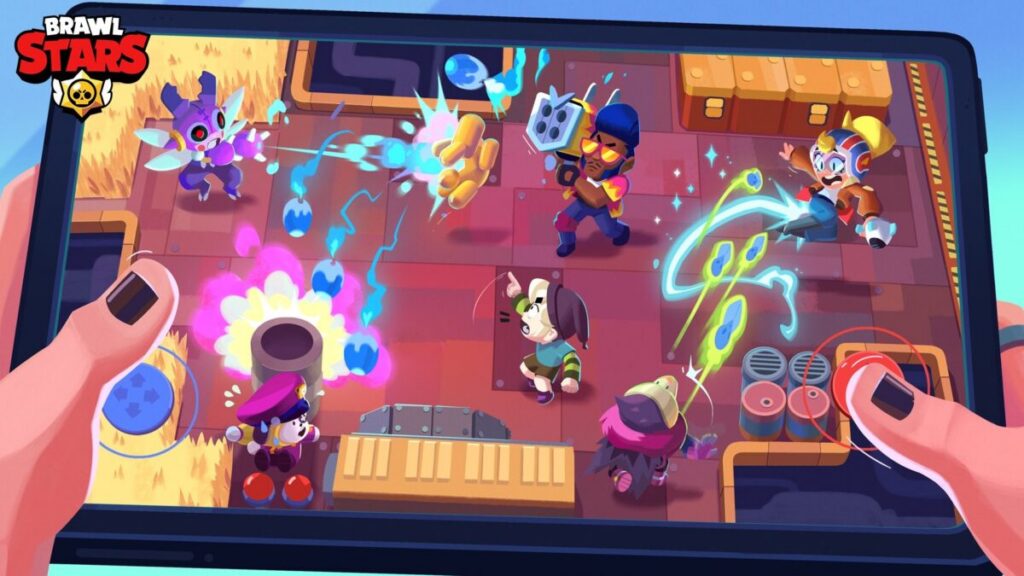
Unlock the secrets of your past matches in Brawl Stars by learning how to access and watch replays.
Brawl Stars is a fast-paced mobile MOBA that has captured the hearts of millions worldwide. With its dynamic battles and strategic gameplay, players are constantly looking for ways to improve. One of the best tools at your disposal for enhancing your skills is the game’s replay feature.
Replays in Brawl Stars allow you to review your previous matches, giving you insights into your gameplay, team compositions, and strategies. Today, the team’re diving into how you can access these game-changing replays.
Feeling like you’re missing out on learning from your past games? Here’s how you can relive your epic battles and refine your strategies in Brawl Stars.
Can you watch replays in Brawl Stars?
Absolutely! Brawl Stars offers a replay feature, but there’s a catch. To unlock replays for a specific Brawler, you need to reach 400 Brawler Trophies.
What’s great is that if anyone in your team meets this criterion, the replay becomes available to you as well. However, dropping below 400 Trophies for that Brawler will lock the replay feature again.
How to watch replays in Brawl Stars
Accessing replays in Brawl Stars is straightforward. On the main screen, tap the hamburger menu button located at the top right corner. From the dropdown, select the ‘Battle Log’ clipboard icon, situated right below the Settings option. This is where you’ll find the replays along with a wealth of other information about your last 25 games.
Brawl Stars Battle Log explained
The Battle Log is your go-to for scrutinizing your performance. It lists the 25 latest games you’ve played, sorted from newest to oldest. Here, you can: