Palworld: How to Play with Friends
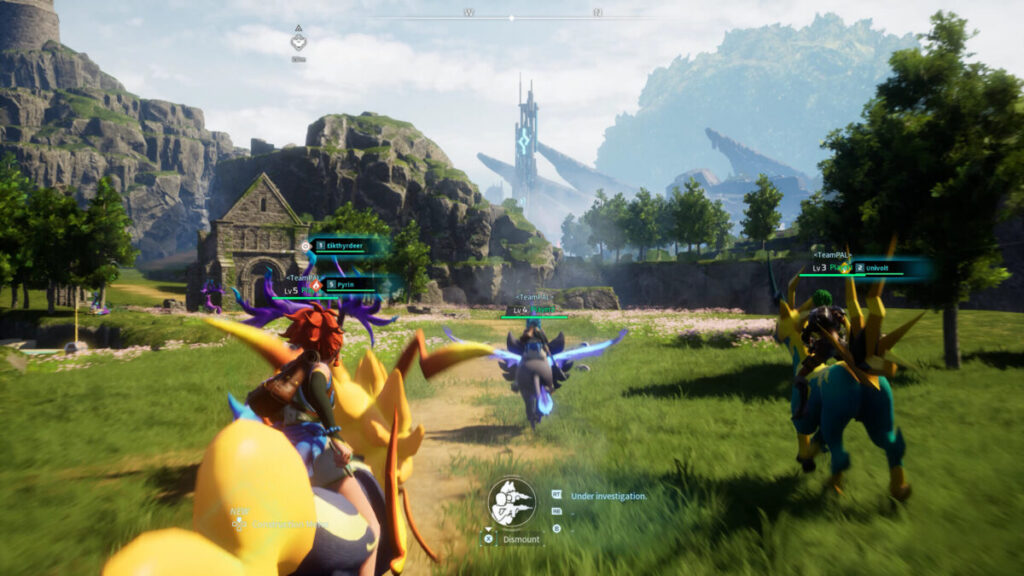
Are you ready to embark on a thrilling adventure in Palworld with your buddies? I’ve got a simple guide to help you set up a multiplayer game in Palworld, ensuring you and your friends dive into this fantastic world with ease. Whether you’re teaming up to build, explore, or battle, this guide will get you started in no time.
By the end of this quick read, you’ll know exactly how to join forces with your pals, create unforgettable memories, and embark on thrilling escapades together in Palworld. Let’s dive into the world of multiplayer fun without any complicated setups!
How to Set Up a Multiplayer Game in Palworld
First of all, you need to decide who among your friends will host the game. Ideally, this should be the person with the most powerful computer, as they’ll be handling the game server. The host needs to launch Palworld from Steam. Next, select ‘Start Game’, and then choose whether you want to create or play in an existing world.
If you are starting a new world, click on ‘Create New World’ and then configure settings based on your liking. It’s crucial here to ensure that the ‘Multiplayer’ is enabled.
In case you want to start an existing world, you can select that but make sure the ‘Multiplayer’ option is enabled. You can enable the ‘Multiplayer’ option by clicking on the world, then click ‘Change World Settings.’ You can easily toggle ‘ON’ to Multiplayer in case it is turned off. Remember, the host’s PC specs should be higher than the others for the best experience.
How to Invite Friends to Palworld Multiplayer
Once the host has their world up and running, they’ll find an Invite Code in the game’s pause menu. To access the pause menu, click on the escape button on your keyboard and you’ll see the Invite Code from the pause menu. The host needs to send this Invite Code to everyone who wants to join.
For the friends joining, it’s as simple as starting Palworld from Steam, selecting ‘Join Multiplayer Game’, and then entering the Invite Code. After a short loading time, you’ll find yourself in the host’s world, ready to start your joint adventure.
Important Note on Game Versions and Platforms